01Notes & connections
Follow the thought.
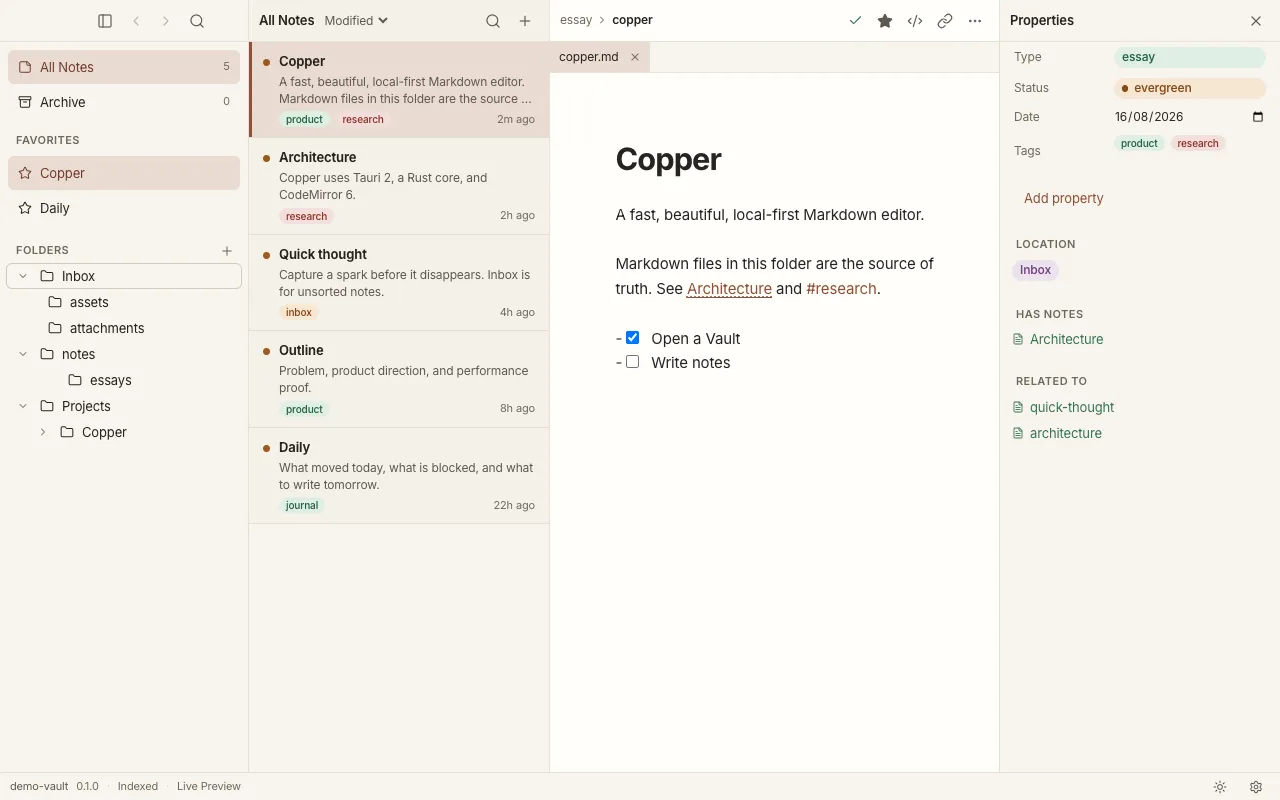
Write in Markdown, link one note to another, and find your way back with backlinks. Give your ideas room to connect.
 Copper.Get Copper
A quieter kind of workspace
Your notes, ideas, and next steps. Together in a calm
desktop app, in files that belong to you.
Local first · Plain Markdown · Open source
Less managing. More making.
A notebook when you need to think.
A workspace when it’s time to do.
Write in Markdown, link one note to another, and find your way back with backlinks. Give your ideas room to connect.
Bring projects and issues into the same workspace. Move between a list and a board, without moving away from your thinking.
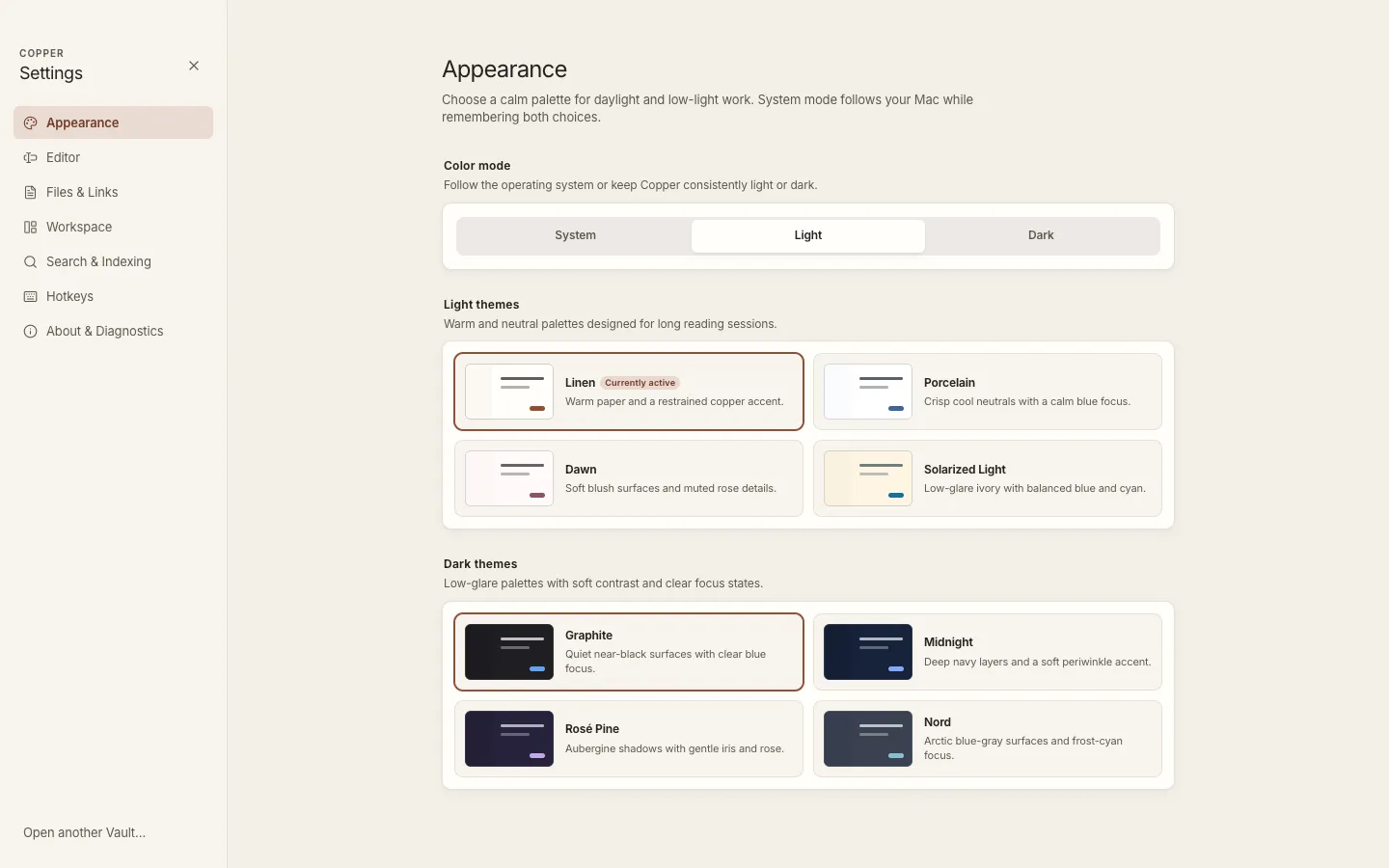
Choose a palette that feels right. Settle into a quiet writing space, with quick search and the details close at hand.
Feels like your space
Warm light. Quiet dark. A palette for the way you work, from the first note of the day to the last idea at night.
Yours, in the most literal sense
A Vault is just a folder on your computer. Your notes are plain Markdown. Open them in Copper today, or somewhere else tomorrow.
A few things to know
Copper is a desktop workspace for Markdown notes and projects. It brings writing, linked notes, search, properties, and task boards together around a folder on your computer.
No account is needed. Your notes, search, and tasks work locally. Optional actions such as checking for updates, opening external links, or using a Git remote need a connection.
Yes. Open a folder of Markdown files as a Vault. Your files stay in that folder, so you can keep using other editors. Copper keeps its search index separately in app data.
Projects and issues are Markdown files too, stored in your Vault’s Tasks folder. Their properties live in YAML frontmatter, a small block of readable fields at the top of each file.
Copper is in early development. The source is available now under the AGPL-3.0 license. Approved installers are still being prepared; the GitHub releases page will carry them when they are ready. You can build and run the app locally today.
Small beginnings welcome
Copper is growing, one thoughtful detail at a time.
Explore the source, or run it on your own machine.
Early development. Approved installers are on the way.
Follow releases